A contractor’s website should quickly explain what work you do, where you work, why a customer can trust you, and how to contact you. Clear service pages, real project examples, accurate credentials, and an easy mobile inquiry path are a useful place to start.
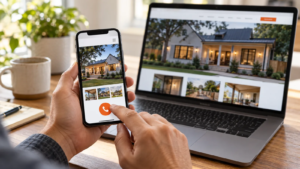
Think about a prospective customer comparing providers on their phone. They may have a specific job in mind: a roof replacement, an electrical repair, or an improvement to their property.
Your website should help them decide whether you are a suitable next call.
1. Say what you do near the top
A visitor should not have to interpret a slogan to understand your services.
Pair a clear headline with a short explanation of the work you take on. If you focus on residential projects, say so. If you serve commercial customers too, explain the relevant services.
Make the primary contact action visible without forcing someone to scroll through the whole page.
2. Explain your priority services on separate pages
A long list of services can establish breadth, but it may leave customers unsure about the work they need.
For each priority service, explain:
- What the service includes.
- When someone might need it.
- What happens during the inquiry or assessment.
- Any meaningful limits or exclusions.
- How to take the next step.
Start with services that matter most to the business. Do not create pages simply to make the website larger.
3. Describe where you actually work
Customers need to know whether you serve their address.
List your genuine service area and explain any relevant limitations. A business based in Minden may also take jobs in Shreveport or Bossier City, but its website should not imply it has offices in each place.
If coverage depends on the project, say that customers can contact you to confirm. Clear expectations are more useful than an exhaustive list of cities you rarely visit.
See how 318 describes its North Louisiana service area.
4. Show real work with useful context
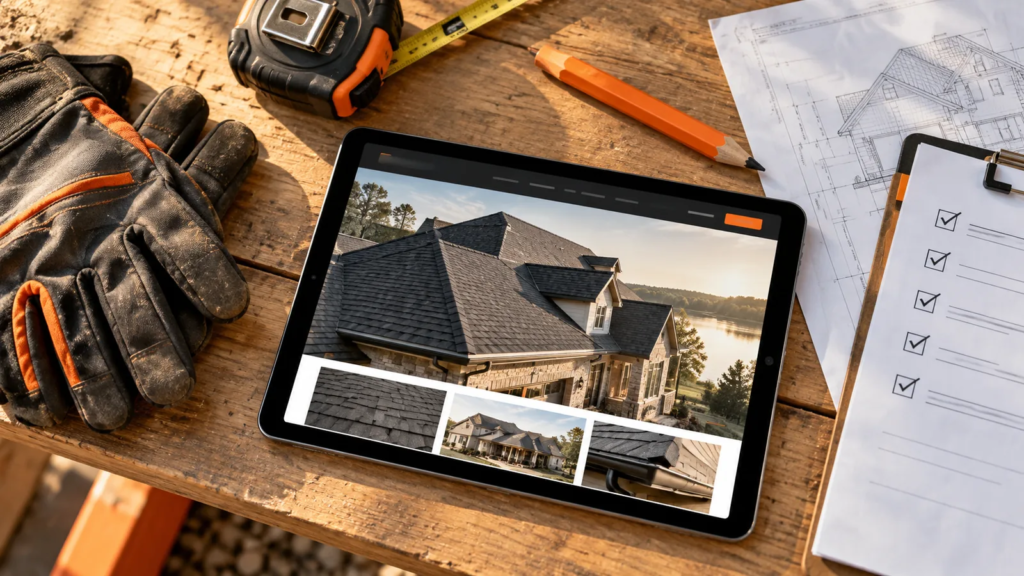
Project photos are more helpful when visitors understand what they are seeing.
With the customer’s permission, add a short explanation of the project type, the challenge, and the completed work. Include a location only when appropriate, without exposing a private address.
Avoid presenting stock photography or generated illustrations as completed jobs. If you use those images for general design, keep their purpose clear.
5. Make trust information specific
Include accurate licenses, insurance information, qualifications, warranties, and customer feedback where relevant to your services.
Use current information and describe what each credential applies to. Warranty language should match the actual terms; do not shorten it into a broader promise.
If you use testimonials, get permission and preserve their meaning. A few relevant examples can help visitors understand what working with you is like.
6. Make calling and requesting help easy
On mobile, your phone number should be tappable. Buttons should have clear labels and enough space around them to reduce accidental taps.
A form should ask for information you need to take the next step. For many initial inquiries, that may include a name, contact details, job location, and a brief description of the work.
You can collect detailed specifications later. Asking for everything upfront may make a simple inquiry feel like a project application.
7. Explain what happens after the inquiry
Tell visitors whether they are requesting a callback, an assessment, or a quote discussion. Those are different expectations.
After submission, confirm that the request was received and explain the next step. Only promise a response time your team can reliably meet.
If the form fails, provide a clear alternative, such as a phone number or email address.
A quick website review
Open your website on your phone and ask:
- Can I identify the main service immediately?
- Can I tell whether this company serves my area?
- Can I find relevant evidence of its work?
- Can I call or submit an inquiry easily?
- Do I know what happens next?
Then test the form and confirm the notification reaches the right person. A good-looking form is only useful if your team receives and handles the request.
Common questions
Do I need to put every service on the homepage?
No. Summarize your main services and link to the pages that explain them. Keep the homepage easy to scan.
Do I need a page for every nearby city?
Not automatically. Start with accurate service-area information. Create a dedicated city page when you have useful, distinct information for customers there.
Should I rebuild the whole website?
Review the biggest gaps first. Clearer copy, better project examples, or a simpler contact path may be enough to improve the experience.
Give your next customer a clearer path
318 Digital Marketing helps North Louisiana businesses plan and improve editable WordPress websites.
Explore website design and optimization or request an honest opinion of your website.
Want more tips like this?
Subscribe for weekly email tips. Smarter websites, better local visibility, and advice you can actually use—minus the jargon headache.