
What the Click? Marketing Glossary / Conversion Tracking
WHAT THE CLICK? · Know What’s Working
What Is Conversion Tracking? Count What Actually Happened
Conversion tracking records actions you choose to measure, such as completed inquiry forms, purchases, or verified calls. It helps connect marketing activity with those actions. The important part is choosing and testing the action: a tracking tag can count perfectly and still count the wrong thing.
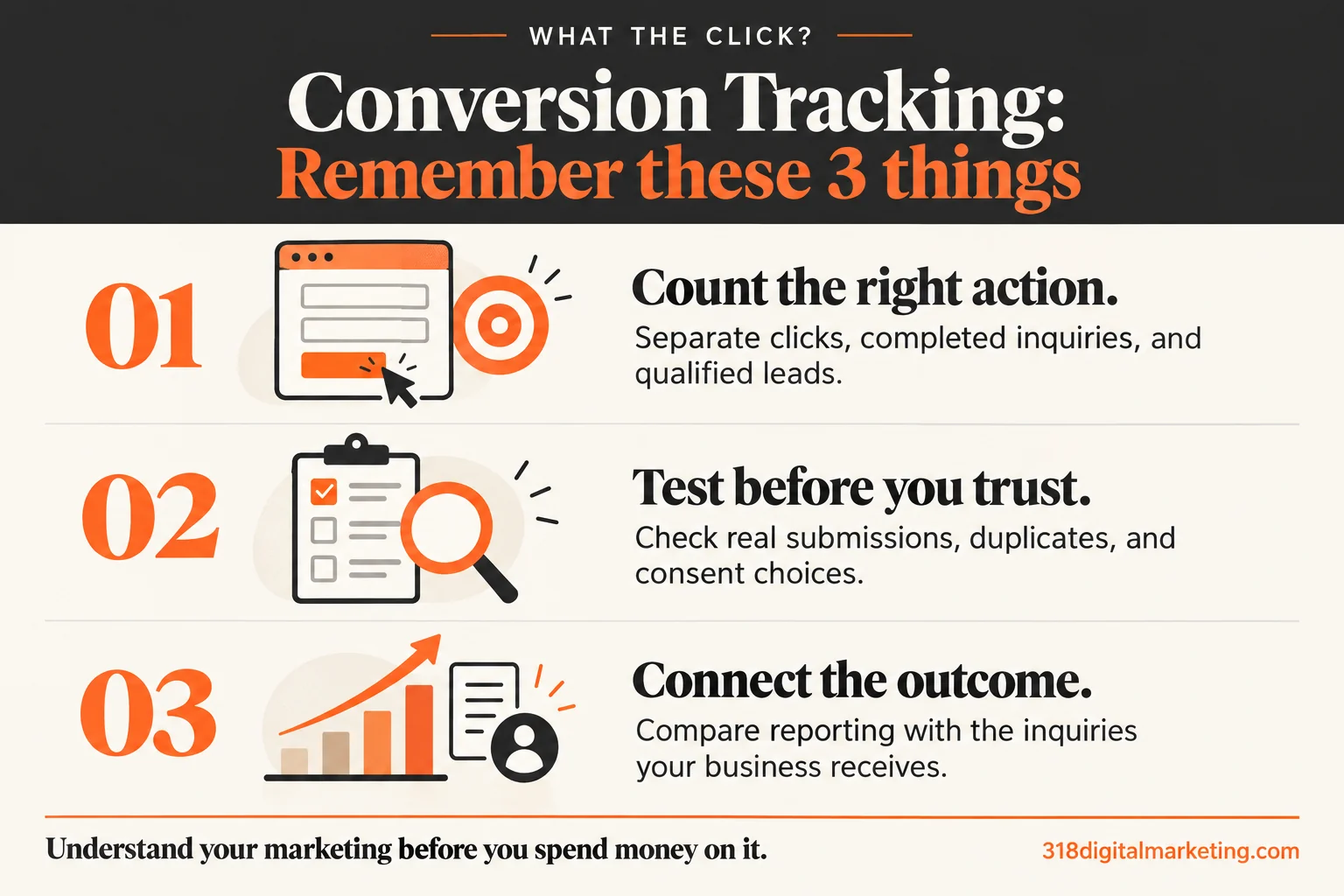
Remember these 3 things about Conversion Tracking
Count the right action. Separate clicks, completed inquiries, and qualified leads.
Test before you trust. Check real submissions, duplicates, and consent choices.
Connect the outcome. Compare reporting with the inquiries your business receives.
By 318 Digital Marketing · Reviewed October 19, 2026
How does conversion tracking work?
A website or connected platform records an event when a defined action happens. Some events are treated as important outcomes; GA4 calls those key events. Advertising platforms also use conversion settings for reporting and optimization. Names and counting rules differ, so write down what each reported metric means instead of assuming every dashboard counts the same way.
What should a service business count?
Separate an attempted action from a completed inquiry and from a qualified lead. A phone-link click shows someone tapped the number; it does not confirm a conversation. A submit-button click may happen even when required fields are missing. Use a confirmed success signal for completed forms, then review whether the inquiry was genuine and relevant.
A practical example
Imagine a Bossier business reporting ten conversions. Six might be phone clicks and four completed forms. That is not proof of ten sales conversations. Label the events separately, compare them with actual form receipts and available call records, and use lead quality criteria to understand the opportunities behind the total.
Test before the report gets a fancy cover
Submit a valid form and an invalid one. Check a second submission and a refreshed confirmation page. Confirm whether one real action creates duplicate events through multiple tags or integrations. Test the consent choices your site offers, and verify the expected behavior in your actual setup. Seeing a tag load is not the same as verifying the whole measurement process.
Why the totals may not match
Consent choices, browser restrictions, blocked scripts, reporting windows, attribution rules, and counting settings can affect totals. Cross-domain journeys also need attention when users move to another booking or payment site. Compare consistent definitions before calling every difference a broken tag. Document the limits so the report tells the truth about what it can observe.
Ask before you buy a tracking setup
Which actions will be measured, and how will they be confirmed? Who tests consent and duplicates? Will I retain access? Does the work cover my booking tool or just my main site? How will website activity be compared with real inquiries? A useful conversion rate depends on getting these definitions right.
FREQUENTLY ASKED QUESTIONS
Still wondering?
Quick answers before you go. Open any question below.
Do I need Google Tag Manager?
Not necessarily. Tracking can be implemented through direct code, platform integrations, or a tag manager. Choose a maintainable method and avoid installing the same measurement twice.
Is a thank-you page enough to count a form?
It can be a useful signal when shown only after success. Direct visits, refreshes, and duplicate firing still need to be tested.
Does a phone click count as a call?
It counts the click. To report completed calls, you need an appropriate call-measurement setup and a clear definition of what qualifies.
Will analytics capture every inquiry?
No. Technical restrictions, consent, and offline activity can leave gaps. Compare analytics with business records rather than expecting a complete customer ledger.
Can I put customer emails into analytics events?
Do not send email addresses, names, or similar personal details through ordinary analytics events or page URLs. Use approved platform features only with their requirements and permissions addressed.
Put the idea to work
Want help making this useful for your business? Got big ideas? Let’s talk.
Go straight to the source
Google Analytics: understanding key events · Google Ads: offline conversion imports
Examples are illustrative. Available features, requirements, and results can change; check the linked documentation when making a decision.