
What the Click? Marketing Glossary / Call to Action (CTA)
WHAT THE CLICK? · Understand Your Website
What Is a Call to Action? Give Visitors a Clear Next Step
A call to action (CTA) is a prompt that invites someone to take a specific next step. It might be a button, a text link, a phone invitation, or a sentence asking someone to request an estimate. A good CTA makes the action and its purpose understandable. It should not require a decoder ring.
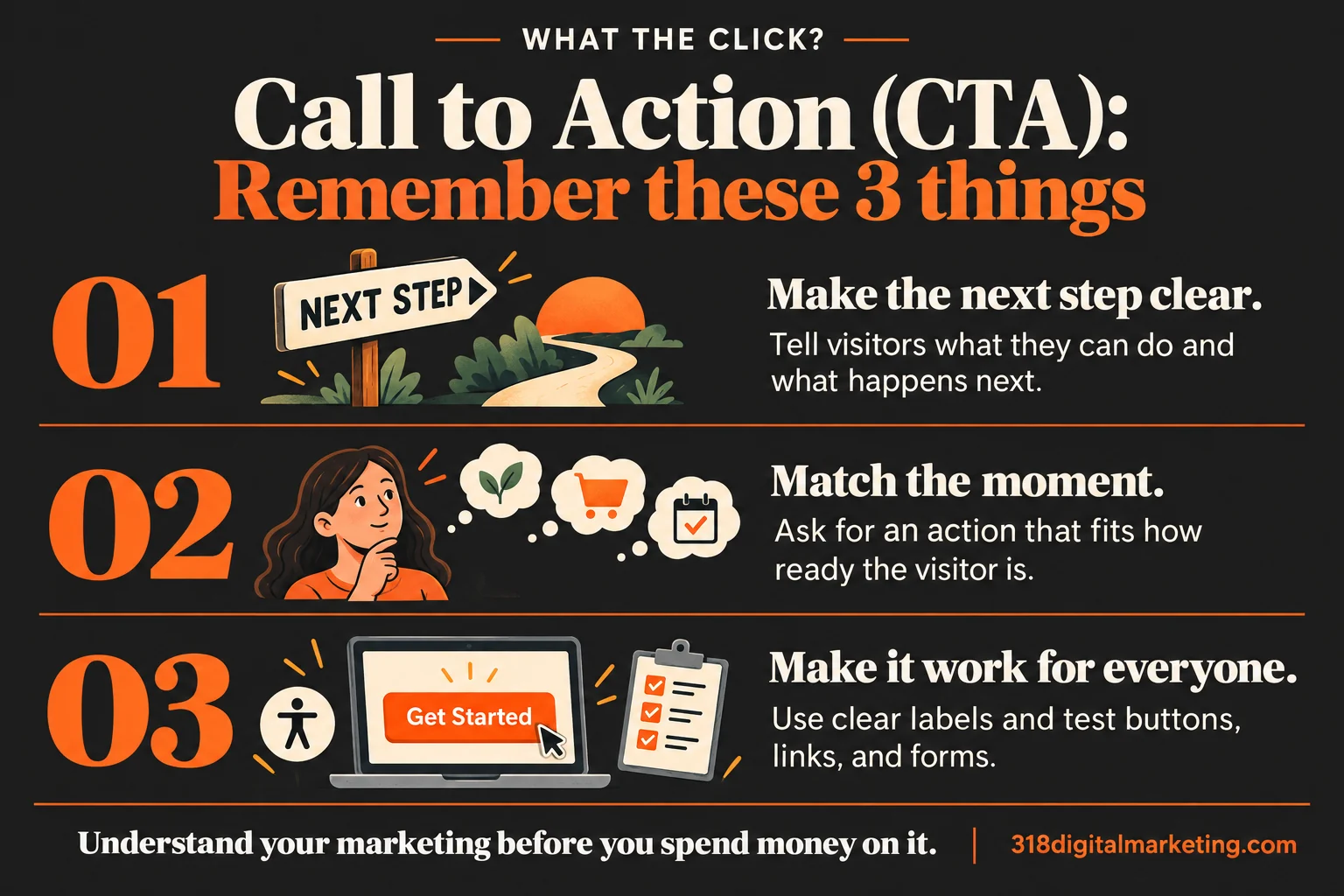
Remember these 3 things about Call to Action (CTA)
Make the next step clear. Tell visitors what they can do and what happens next.
Match the moment. Ask for an action that fits how ready the visitor is.
Make it work for everyone. Use clear labels and test buttons, links, and forms.
By 318 Digital Marketing · Reviewed October 19, 2026
What makes a CTA useful?
Use language that helps visitors predict the result: request an estimate, view available appointments, or see the service area. The surrounding copy should explain why the step is worth taking. If the button says “Get pricing” but opens a vague contact form, explain that process before the click rather than letting the visitor discover the catch.
Match the ask to the moment
Someone comparing options may want to see how a service works before scheduling a call. Someone ready to act may want the phone number immediately. Choose a primary action that fits the page. A focused landing page should make its main next step easy to recognize while preserving access to information people need to decide.
A local example
Imagine a Bossier electrician’s service page. “Request an electrical estimate” tells a visitor more than “Submit.” A nearby line can explain what details to provide and what the business does next, using only commitments it can actually meet. A clear phone option helps visitors who prefer a conversation. The best wording reflects the real process, not the most exciting promise.
Make the action accessible
Use descriptive link text, visible focus states, readable contrast, and controls people can use with a keyboard. Do not rely only on color or an unlabeled icon to explain an action. W3C’s guidance on accessible writing explains why meaningful text helps people understand links and instructions. Accessibility belongs in the experience from the start.
Test beyond the button color
Check whether the button leads to the expected destination, whether the form works on a phone, and whether confirmation is useful. Review conversion rate alongside the quality of resulting inquiries. A brighter button cannot repair a confusing offer or unanswered calls. Test a meaningful change and use enough evidence to avoid declaring a winner after three visits.
Ask before a redesign
What action should this page encourage? What does someone need to know first? What happens after clicking? Can we handle the resulting request? Who checks form delivery and errors? These questions usually do more for the experience than debating whether the button should say “Go” or “Let’s go.”
FREQUENTLY ASKED QUESTIONS
Still wondering?
Quick answers before you go. Open any question below.
Does every page need a CTA?
Most business pages benefit from a helpful next step, but it should fit the content. An educational page may point to deeper information before asking for an inquiry.
Can I have more than one CTA?
Yes. Make the main action clear, and use secondary actions where they help different needs rather than presenting a wall of competing buttons.
Is “Learn more” bad wording?
It can be vague on its own. Use surrounding context or more specific text so people understand what they will learn and where the link goes.
Should the CTA appear above the fold?
Put an appropriate next step where visitors can find it, then repeat it where useful after supporting information. Screen sizes and the amount of explanation needed vary.
What is the best button color?
There is no universal winner. Clear contrast, consistency, understandable wording, and a working destination matter more than a magic color.
Put the idea to work
Want help applying this to your business? Got big ideas? Let’s talk.
Examples are illustrative. Features, requirements, and results vary; use the linked documentation to check the details that apply to your situation.