
What the Click? Marketing Glossary / Click-Through Rate (CTR)
WHAT THE CLICK? · Know What’s Working
What Is Click-Through Rate? Understand CTR Before You Compare
Click-through rate (CTR) is the percentage of counted impressions that produces counted clicks. Calculate it as clicks divided by impressions, multiplied by 100. CTR helps you assess response to a particular placement or message. It does not tell you whether those clicks became qualified inquiries or customers.
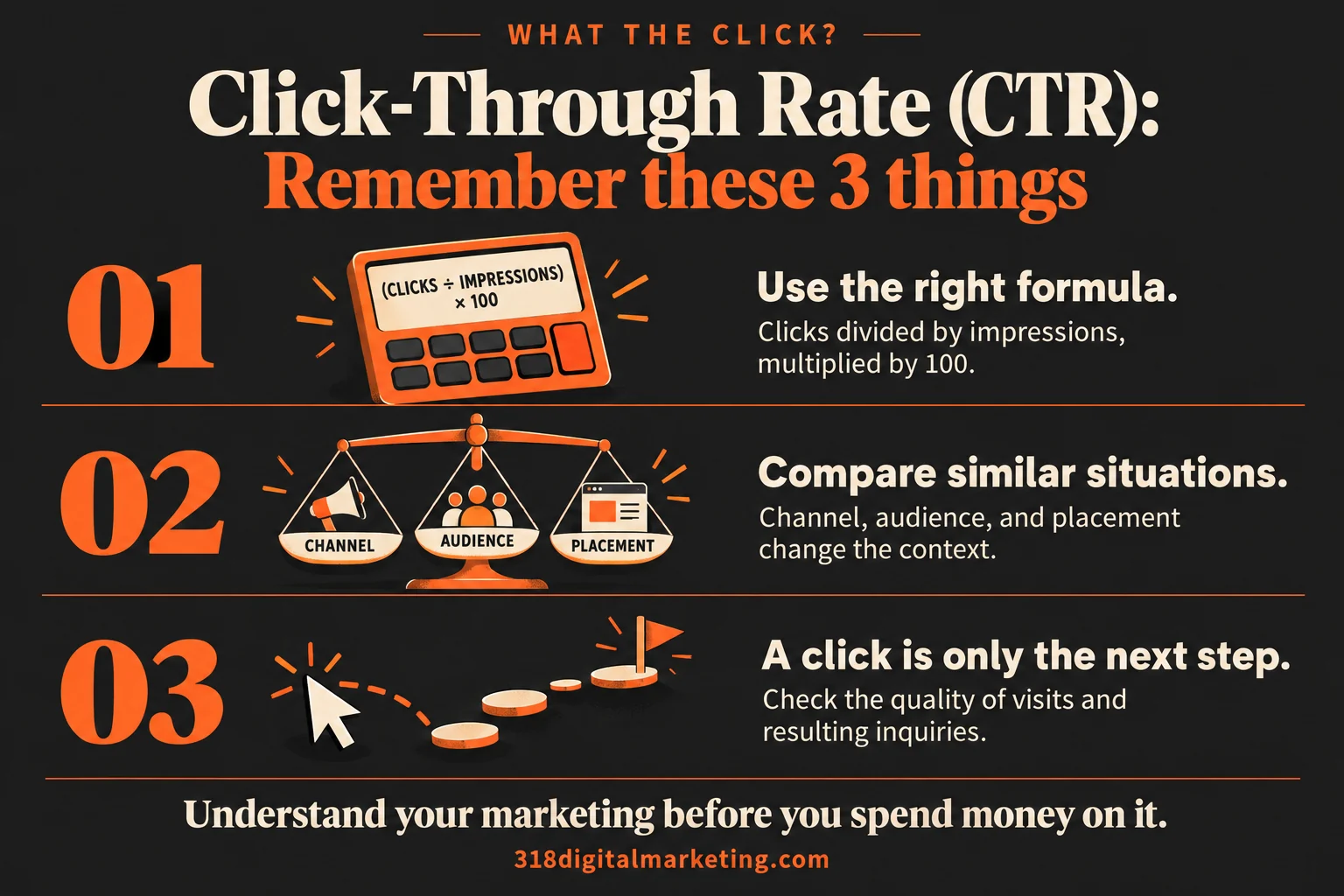
Remember these 3 things about Click-Through Rate (CTR)
Use the right formula. Clicks divided by impressions, multiplied by 100.
Compare similar situations. Channel, audience, and placement change the context.
A click is only the next step. Check the quality of visits and resulting inquiries.
By 318 Digital Marketing · Reviewed October 19, 2026
How do you calculate CTR?
Use matching clicks and impressions from the same report, scope, and period. For example, 40 clicks from 2,000 impressions gives a 2% CTR: 40 ÷ 2,000 × 100. Google Ads uses this clicks-to-impressions calculation for its CTR reporting. The example is arithmetic, not a recommended target.
Why the impression definition matters
The denominator is impressions, not unique people, website sessions, or sales. If you change what you count as a click or appearance, you change the meaning of the ratio. Some reports distinguish link clicks from broader interactions. Check the column label before deciding that two similar-looking percentages are measuring the same thing.
Compare similar situations
Search ads, display placements, social posts, and organic listings serve different contexts. Branded searches can behave differently from searches by people who have never heard of you. Device, audience, placement, wording, and timing all matter. Borrowing a benchmark from an unrelated channel can make a healthy campaign look sick—or give a weak one an undeserved gold star.
A Shreveport example
Imagine a service business testing two ads for the same offer. One earns more clicks, but its wording suggests a service the business does not provide. Its higher CTR may create more wasted visits. Compare the actual inquiries before declaring that version the winner. A clear message should attract the right interest, not just curiosity.
What can improve useful response?
Make the offer specific, match the audience’s question, and set an accurate expectation about the destination. Check whether the next page follows through. Then evaluate conversion rate and inquiry quality. A higher CTR can be a useful diagnostic signal, but the visitor’s experience after the click still needs to work.
Ask before someone promises a better CTR
Which click type are we measuring? What audience and placement are comparable? How large is the sample? Did the message change what people expected? What happened after the visit? Small samples can swing dramatically, so avoid redesigning your strategy because one extra click made Tuesday’s percentage look spectacular.
FREQUENTLY ASKED QUESTIONS
Still wondering?
Quick answers before you go. Open any question below.
What is a good CTR?
There is no universal target. Compare relevant activity within the same channel, audience, placement, and objective, then check business outcomes.
Is CTR the same as conversion rate?
No. CTR relates clicks to impressions. Conversion rate relates a chosen action to a defined set of visits or interactions.
Can a higher CTR be bad?
It can be unhelpful if it attracts poor-fit visits or relies on misleading expectations. Review the quality of the resulting inquiries.
Why did my CTR fall when impressions increased?
You may be reaching a broader or different audience, or serving in different contexts. Review the mix before assuming the message got worse.
What if there are zero impressions?
CTR is not meaningfully calculated by dividing by zero. Report that the placement had no counted impressions and investigate delivery or reporting.
Put the idea to work
Want help making sense of your marketing? Got big ideas? Let’s talk.
Examples are illustrative, not benchmarks. Definitions and available reports vary by platform; check the linked documentation for the details that apply to your account.