
What the Click? Marketing Glossary / Google Business Profile
WHAT THE CLICK? · Get Found
What Is Google Business Profile? A Guide for Owners
Google Business Profile is Google’s tool for managing how an eligible business appears on Google Search and Maps. It lets you provide business information, photos, services, and updates, and respond to reviews. Think of it as your digital front door: people may check it before they ever visit your website.
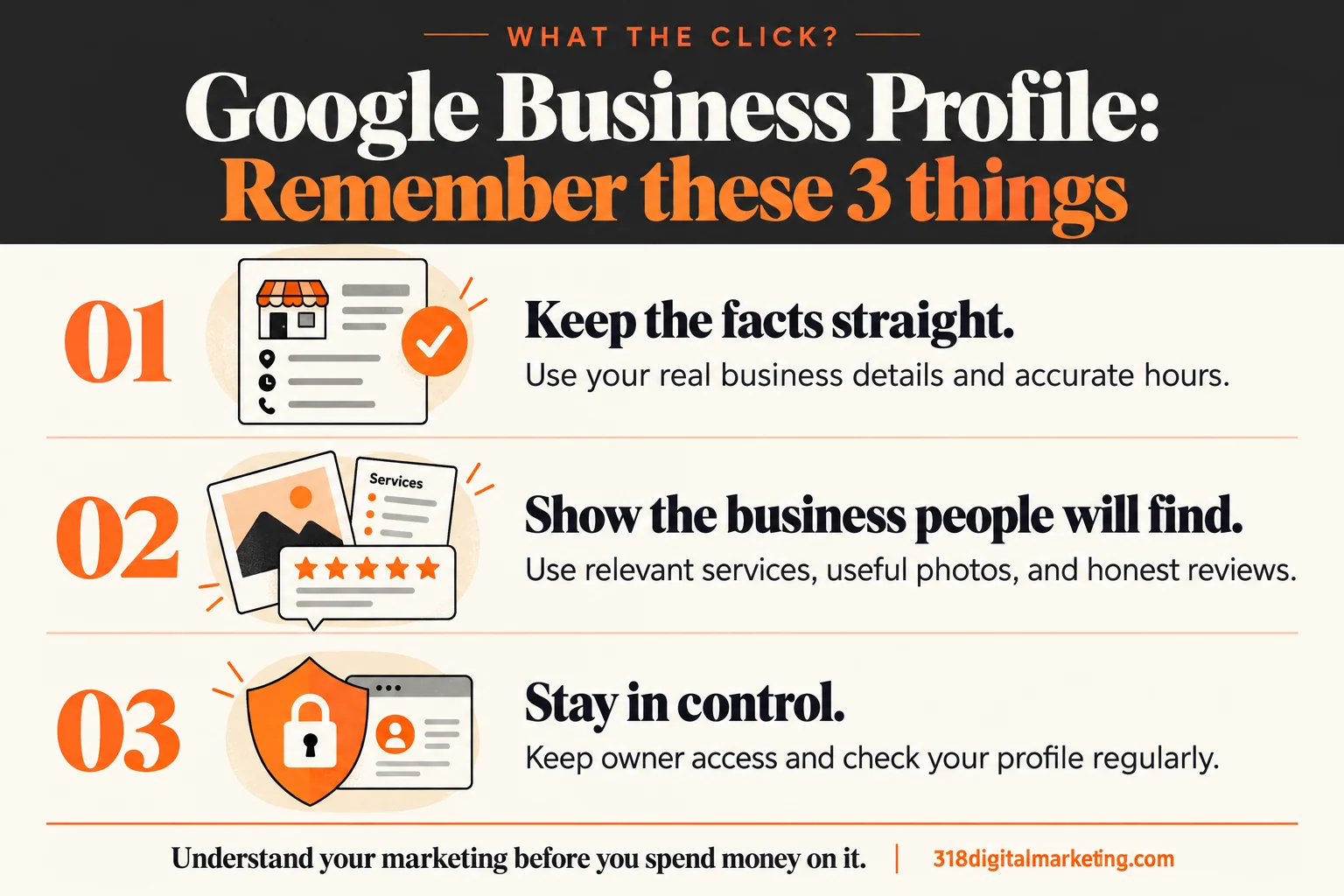
Remember these 3 things about Google Business Profile
Keep the facts straight. Use your real business details and accurate hours.
Show the business people will find. Use relevant services, useful photos, and honest reviews.
Stay in control. Keep owner access and check your profile regularly.
By 318 Digital Marketing · Reviewed October 19, 2026
How does Google Business Profile work?
You claim or create an eligible profile, verify it through the process Google provides, and keep its details current. Google combines information you supply with other sources and user contributions. Having a profile does not buy a particular position. It helps customers understand whether you are the right business and how to reach you.
What should a small business put on its profile?
Start with the real business name, an appropriate primary category, accurate customer-facing hours, a working phone number, and the right website. Add services you actually offer and recent photos that help someone recognize your business. Your description should explain what you do. It does not need to audition for a keyword-stuffing contest.
What does that look like in North Louisiana?
Imagine a Minden electrician serving customers at their homes. Accurate service coverage, useful job photos, and a link to a clear service page help a homeowner understand the business. A made-up Shreveport office would do the opposite. If customers do not visit your address, follow Google’s service-area rules rather than presenting a home as a public storefront.
A profile is part of the picture
Your profile and website should tell a consistent story. The broader work of local SEO includes helping people understand your services, location, and reputation. A polished profile cannot rescue a disconnected phone number or a website that never says what you do.
Keep access—and a little housekeeping time
Keep business-controlled owner access, secure the account, and give providers appropriate permissions. Check suggested changes, holiday hours, links, and new reviews regularly. Ask real customers for honest feedback without incentives or filtering requests only to people likely to praise you. Respond helpfully; future customers are reading too.
Ask before you pay someone to manage it
What will you update, how often, and why? Will my business retain ownership? How will you report calls, website visits, and useful inquiries? Does the fee include photography, review-request support, or only edits? Paying someone for management is different from paying Google to have a profile.
FREQUENTLY ASKED QUESTIONS
Still wondering?
Quick answers before you go. Open any question below.
Is Google Business Profile free?
Google offers the profile at no charge. A provider may charge for setup, content, or ongoing management; ask exactly what the fee covers.
Can an online-only business have a profile?
A business generally needs eligible in-person customer contact, either at a physical location or by traveling to customers. Check Google’s eligibility rules before creating one.
Should I put every service in my business name?
Use the name your business uses in the real world. Adding extra services or city names solely to influence search can violate Google’s guidelines.
Does adding a service area guarantee rankings there?
No. Service areas explain where you work. Local results also depend on relevance, distance, and prominence; a coverage list is not a ranking reservation.
Can my agency manage it without owning it?
Yes. Keep business-controlled ownership and grant the provider the access needed for its work. Review permissions when relationships change.
Put the idea to work
Want to check whether discovery turns into useful action? Start with conversion tracking.
Want help making this useful for your business? Got big ideas? Let’s talk.
Go straight to the source
Google: guidelines for representing your business · Google: how local ranking works
Examples are illustrative. Available features, requirements, and results can change; check the linked documentation when making a decision.