What the Click? Marketing Glossary / Website Ownership
WHAT THE CLICK? · Understand Your Website
Do You Own Your Website? What to Check
Website ownership means understanding your rights to the domain, content, design, and files, along with your ability to access and move them. Paying a website invoice does not by itself tell you which rights you have; your agreement, licenses, and account access matter.
By 318 Digital Marketing · Reviewed October 19, 2026
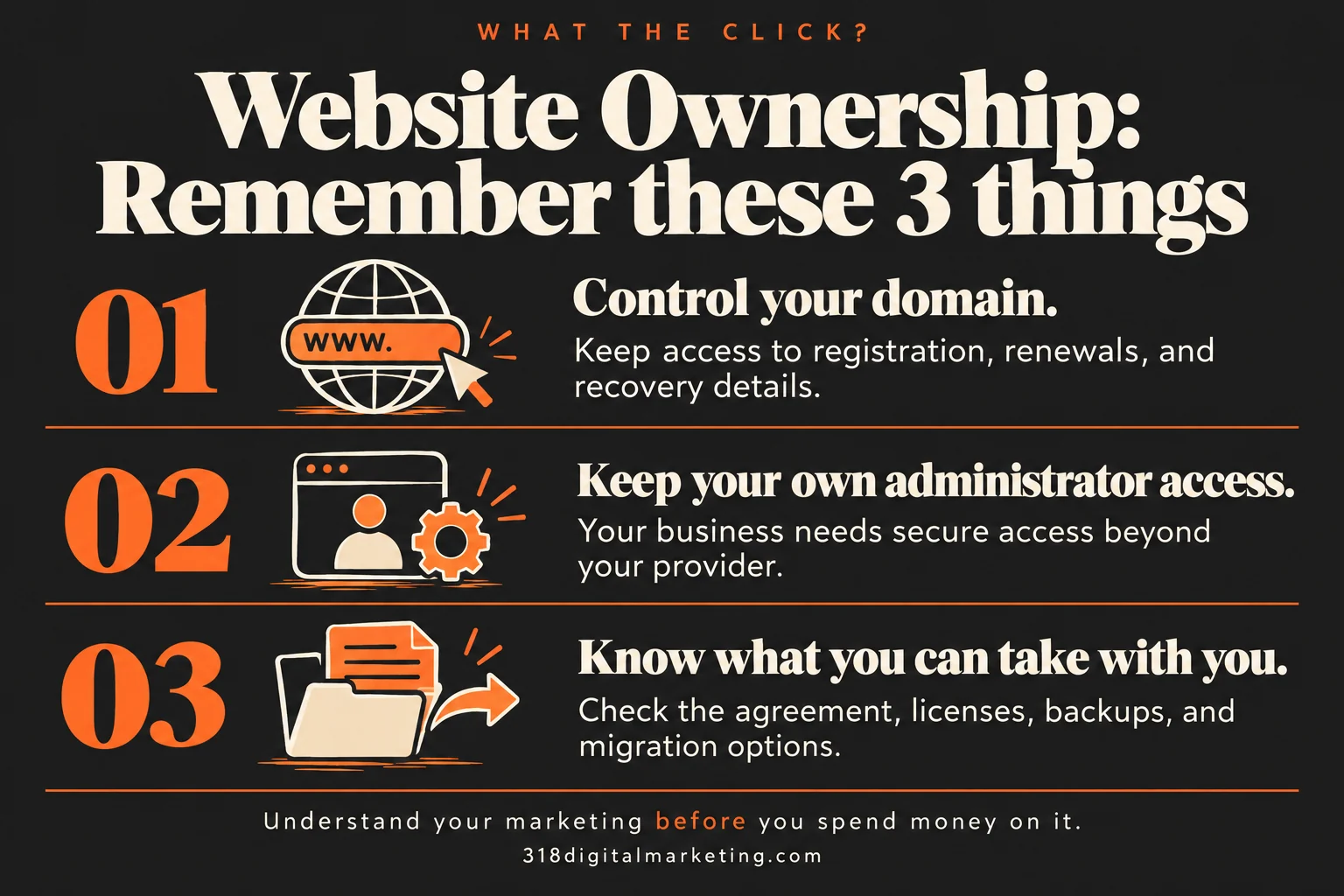
Remember these 3 things about Website Ownership
Control your domain. Keep access to registration, renewals, and recovery details.
Keep your own administrator access. Your business needs secure access beyond your provider.
Know what you can take with you. Check the agreement, licenses, backups, and migration options.
Your website is several separate things
The domain is your address. Hosting runs the site. Your content includes copy, photos, and other assets. Themes, plugins, fonts, and software can have separate licenses. A provider may manage these pieces for you without owning them, or an agreement may restrict what you can take when you leave.
A familiar business-owner problem
You want a new provider to update your website, but the old provider controls the domain login and hosting. Now a small change becomes a negotiation. The practical question is not only “who owns it?” It is “can my business access it and keep operating if this relationship ends?”
Five things to check
Confirm the domain registration account is under your business’s control. Keep administrator access to WordPress. Know where the site is hosted and how to obtain backups. Read the agreement for content and design rights. Identify recurring licenses and anything that stops working when the provider’s subscription ends.
What a useful handoff includes
Request account ownership details, administrator access through a secure process, a current backup, renewal dates, and a list of third-party dependencies. Confirm what transfers and what needs a replacement license. A backup is useful only if someone can restore it in an environment that supports the site.
Watch your wallet
A low monthly fee may cover a leased platform rather than a portable website. That can be a reasonable arrangement if you understand it. Ask about cancellation fees, export options, migration support, and ongoing licenses before signing. Do not assume a screenshot or a folder of images is a working website backup.
Ask before you buy
Will my business control the domain account? Will I have administrator access? Which assets are licensed rather than transferred? Can I move the site to another host? What files and assistance will I receive if I cancel? Get the answers in the agreement.
FREQUENTLY ASKED QUESTIONS
Still wondering?
Quick answers before you go. Open any question below.
Does owning the domain mean I own the website?
No. The domain and the website are separate assets. You need to understand both the account control and your rights to the site.
Can I move a WordPress website?
A self-hosted WordPress site can generally be migrated, but licenses, custom integrations, hosting requirements, and contractual restrictions still need review.
Should my agency register the domain?
An agency can help manage registration, but your business should retain control of the account and renewal contact details.
Do stock photos become mine?
Usually you receive usage rights under a license rather than exclusive ownership. Check whether those rights cover your use and survive a provider change.
What should I do first if I am unsure?
Inventory the domain, hosting, website administrator, backups, and agreement. Request access through secure channels before making a disruptive change.
Keep connecting the dots
SEO · Local SEO · Pay-Per-Click Advertising (PPC) · Conversion Rate
Further reading: WordPress: migrating a website · ICANN: domain registrant rights. Examples are illustrative; costs and results vary.
Want help applying this to your business?
Explore our website design and optimization services, or tell us what you’re working on.
Keeping access also helps you act on SEO improvements and keep control of the pages used in PPC campaigns.