
What the Click? Marketing Glossary / Website Hosting
WHAT THE CLICK? · Understand Your Website
What Is Website Hosting? Know What Keeps Your Site Online
Website hosting is the service that provides the server resources needed to store and deliver your website to visitors. For WordPress, that includes running the software and serving the site’s files and database-backed content. Your domain is the address; hosting is part of the infrastructure that makes the website available there.
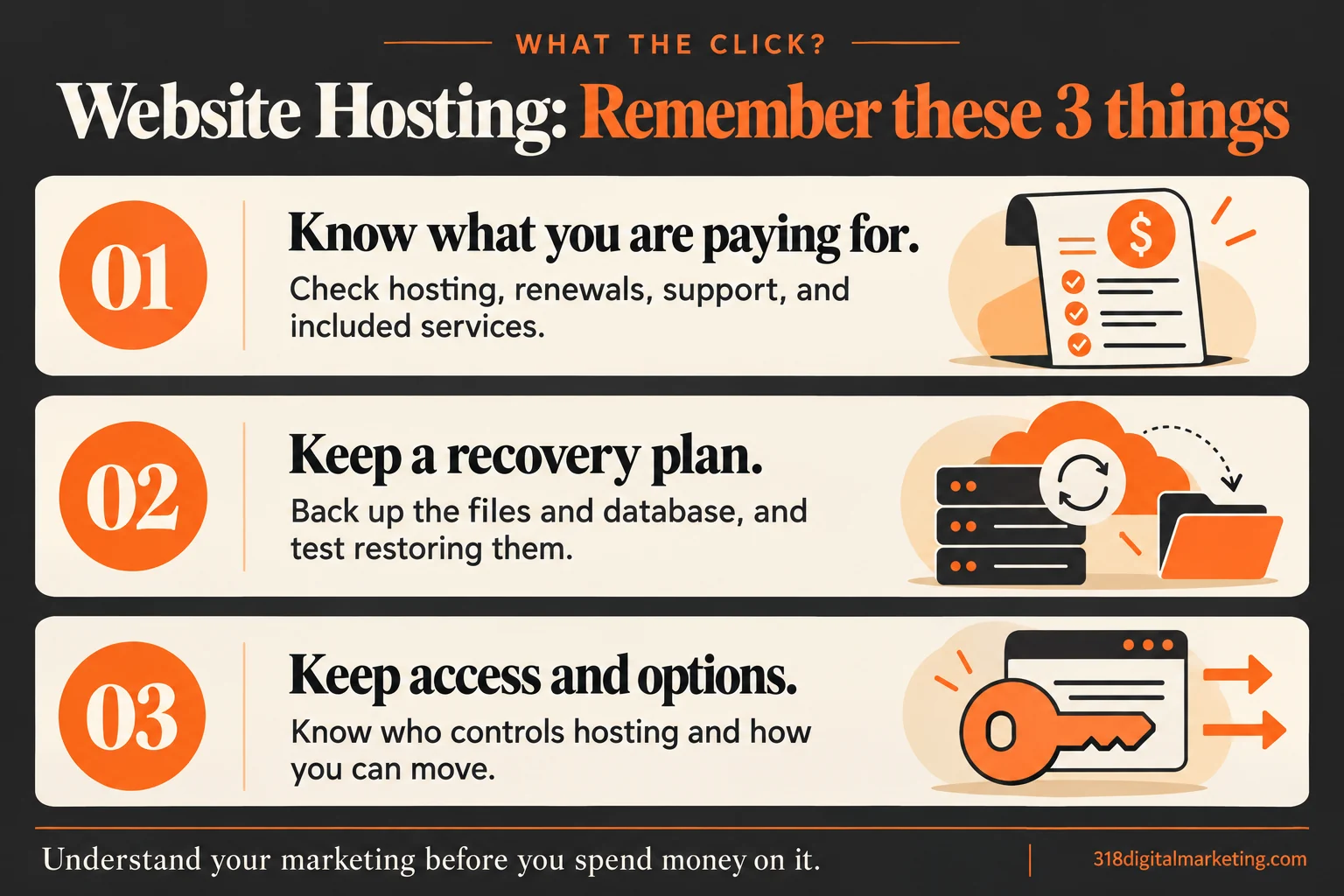
Remember these 3 things about Website Hosting
Know what you are paying for. Check hosting, renewals, support, and included services.
Keep a recovery plan. Back up the files and database, and test restoring them.
Keep access and options. Know who controls hosting and how you can move.
By 318 Digital Marketing · Reviewed October 19, 2026
What are you actually paying for?
A hosting plan may include server space, processing resources, security features, backups, support, and other services. The exact package varies. Domain registration, email, premium plugins, and maintenance may be separate charges. Read the renewal price and included services before comparing two plans by the big introductory number.
What does managed WordPress hosting mean?
It usually means the provider handles some WordPress-related infrastructure or maintenance tasks. It is not a universal checklist. Ask about updates, staging, backups, restore help, restrictions, and what support will actually troubleshoot. “Managed” sounds reassuring, but your website still needs someone responsible for its content, functionality, and ongoing checks.
How can hosting affect the visitor experience?
An unavailable site cannot answer a customer’s question. Slow server responses can also make browsing frustrating, although images, plugins, theme code, and third-party scripts play a role too. A North Louisiana service business needs a site people can use while checking a phone number or requesting help; it does not need a hosting plan chosen only because the package has an impressive name.
What does a real backup include?
A typical WordPress recovery needs both files and database. Confirm how often backups run, how long they are kept, where copies are stored, and how restoration works. Test a restore in a safe environment. “There should be a backup somewhere” is a sentence best avoided when the site is already down.
Keep control and a route out
Know who controls the hosting account, where recovery messages go, and how to get a usable copy of the site. This is part of website ownership. Moving a site can also affect email, domain settings, and third-party services, so plan the change rather than canceling the old account first and hoping for a smooth landing.
Ask before you switch hosts
What are the renewal fees and resource limits? Who moves the site? Will forms, email delivery, HTTPS, redirects, and backups be checked afterward? Can I use the plugins my site needs? Hosting should support useful SEO work, but changing providers alone does not promise better rankings or fix weak content.
FREQUENTLY ASKED QUESTIONS
Still wondering?
Quick answers before you go. Open any question below.
Is hosting the same as a domain?
No. The domain is the registered address. Hosting provides resources that deliver the website. The same company may sell both, but they are separate services.
Does hosting include business email?
Sometimes. Many plans use a separate email service or charge extra. Confirm what is included and how a hosting move would affect mail.
Will a more expensive host make my site fast?
Not automatically. Server resources matter, but so do page size, plugins, code, caching, and outside scripts. Measure the actual problem before buying a larger plan.
Can I keep my website if I change hosts?
Often, if the platform, agreement, licenses, and access allow it. Confirm that the site and database can be exported and run in the new environment.
How often should I back up my site?
Match the schedule to how frequently important data changes and how much you could afford to lose. Back up before significant changes and confirm that restoration works.
Put the idea to work
Want help making this useful for your business? Got big ideas? Let’s talk.
Go straight to the source
WordPress: hosting technology requirements · WordPress: backing up files and database
Examples are illustrative. Available features, requirements, and results can change; check the linked documentation when making a decision.